

GSPro - Annual Subscription
Regular price
$250.00 USD
INCLUDES Free Digital Delivery!
*where applicable; shown at checkout
*where applicable; shown at checkout
- Estimated Lead Time: 1 to 3 Business Days *
- Ships From: Email Link** */** Mouseover or click here for full details
*Lead time is the period from when we receive payment (and after layout approval if order has applicable items) to the date the product is estimated to ship out. Par2Pro will make every effort to ensure you receive your order as fast and cost efficient as possible.
**International shipments may be subject to customs brokerage, local import duties, and other charges, which are the sole responsibility of the addressee, as are any taxes levied by government authorities in the destination country.
Why Buy From Par2Pro?
✓ Satisfaction Guarantee
✓ Price Match Guarantee
✓ No Additional Tariffs (if shipping within the same country)
✓ Best Service & Support from In-House Specialists
✓ Par2Pro Tested and Approved
Click here for full details
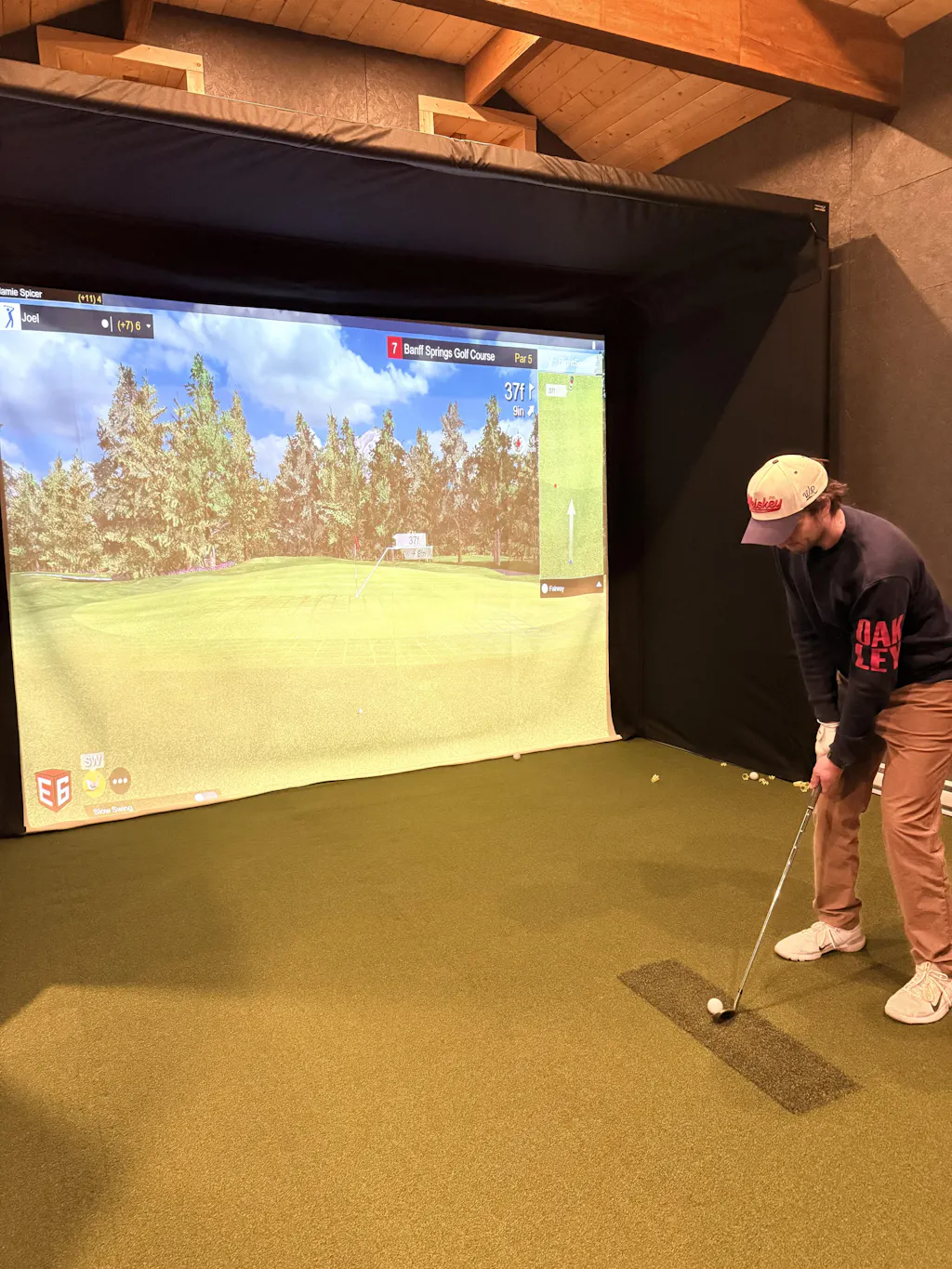
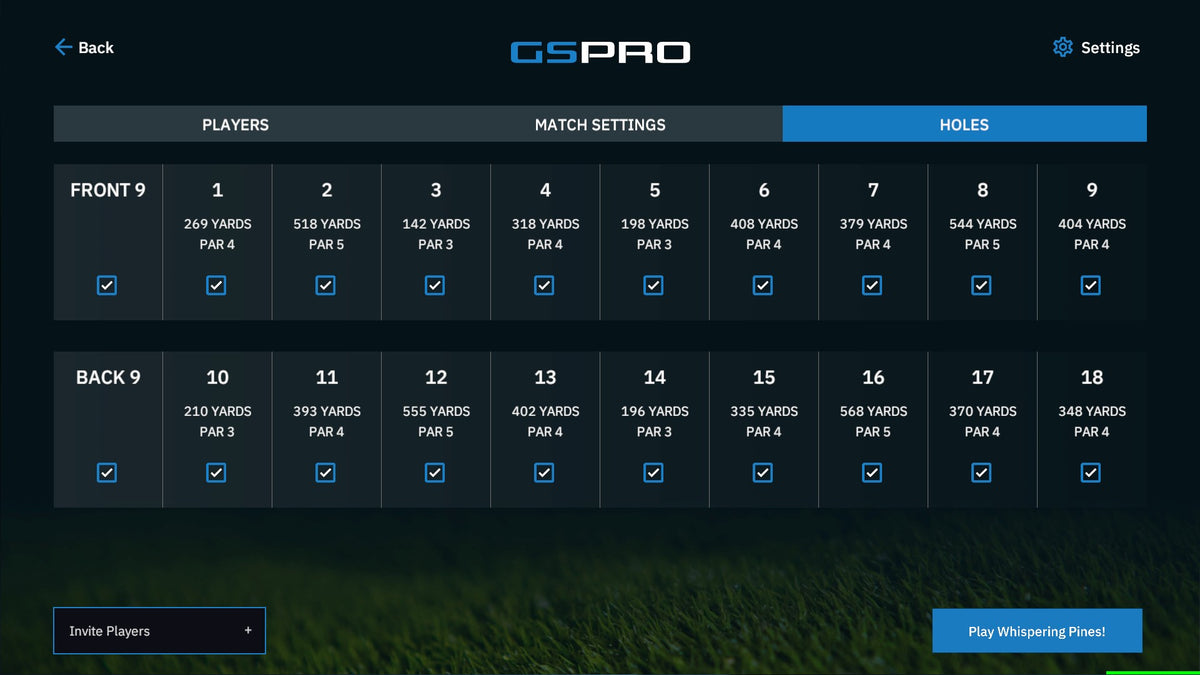
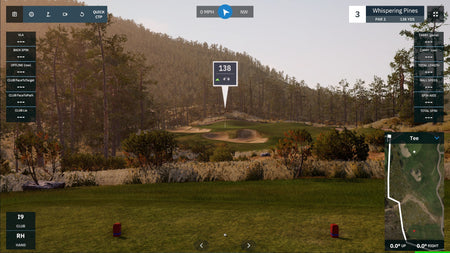
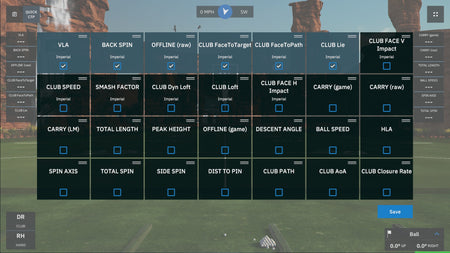
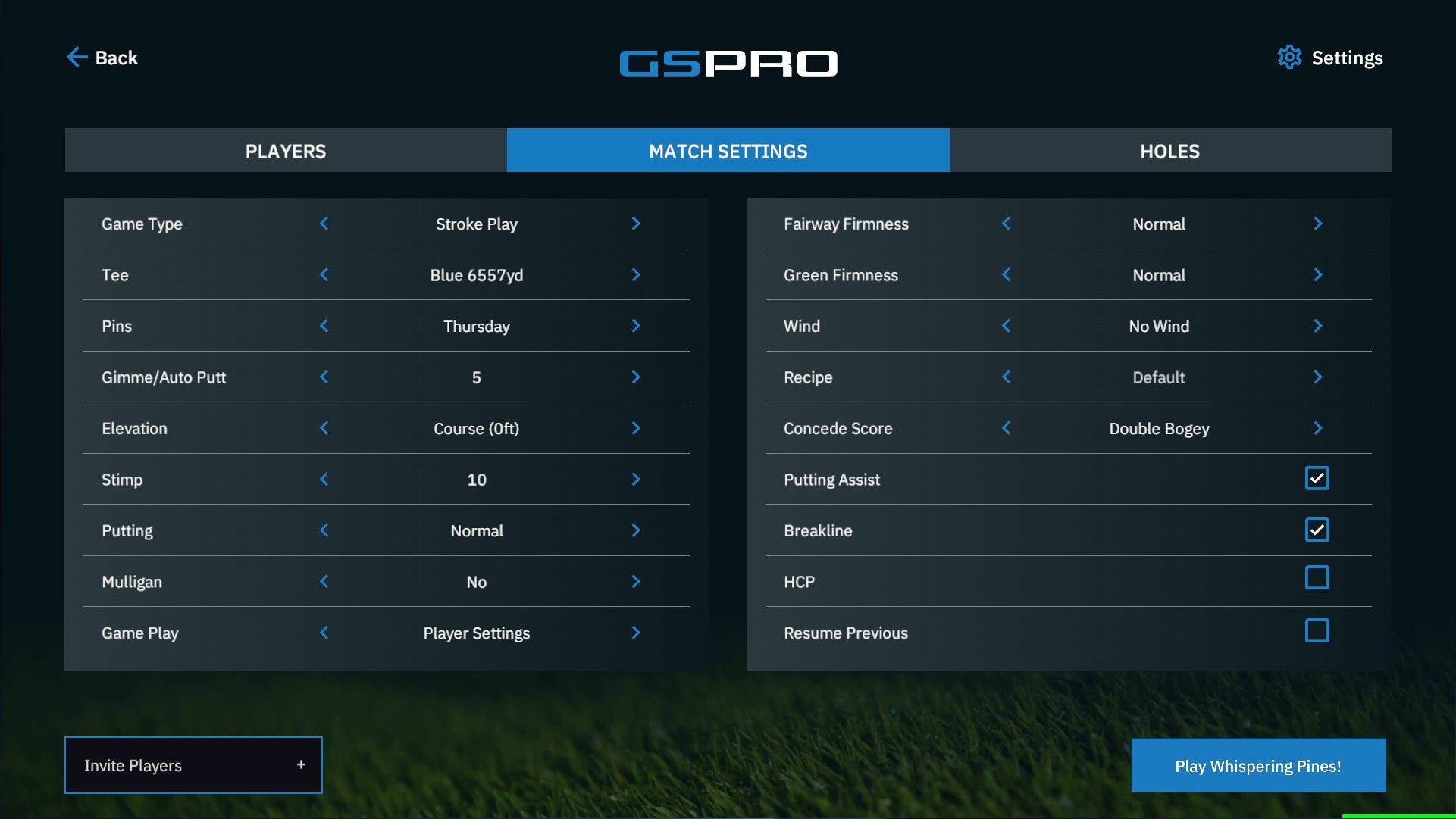
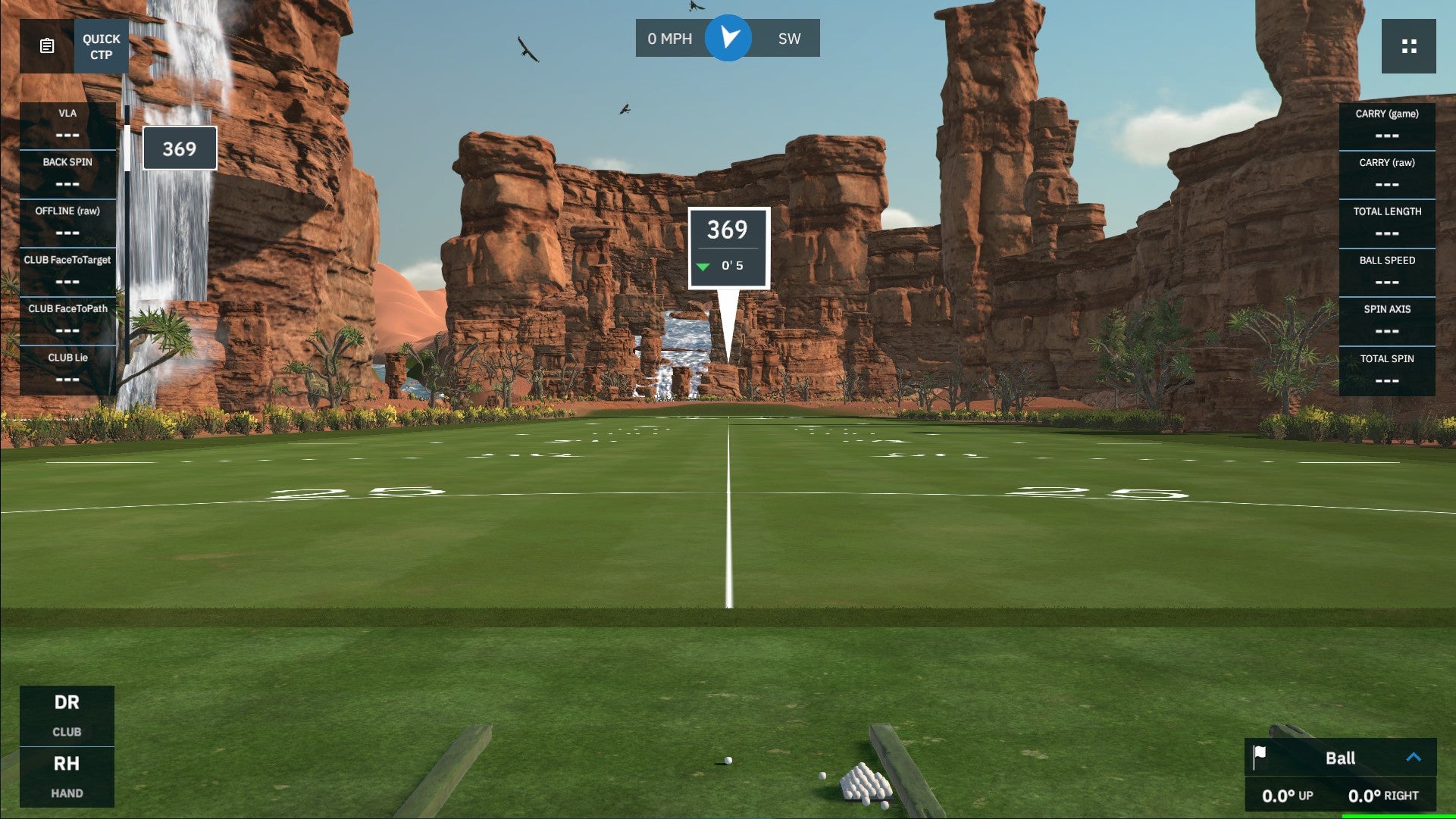
Golf simulation made for, and by, real golfers
GSPro was created as a true simulator. It isn't an arcade'y video game forked into the simulation space. This is real golf simulation software.
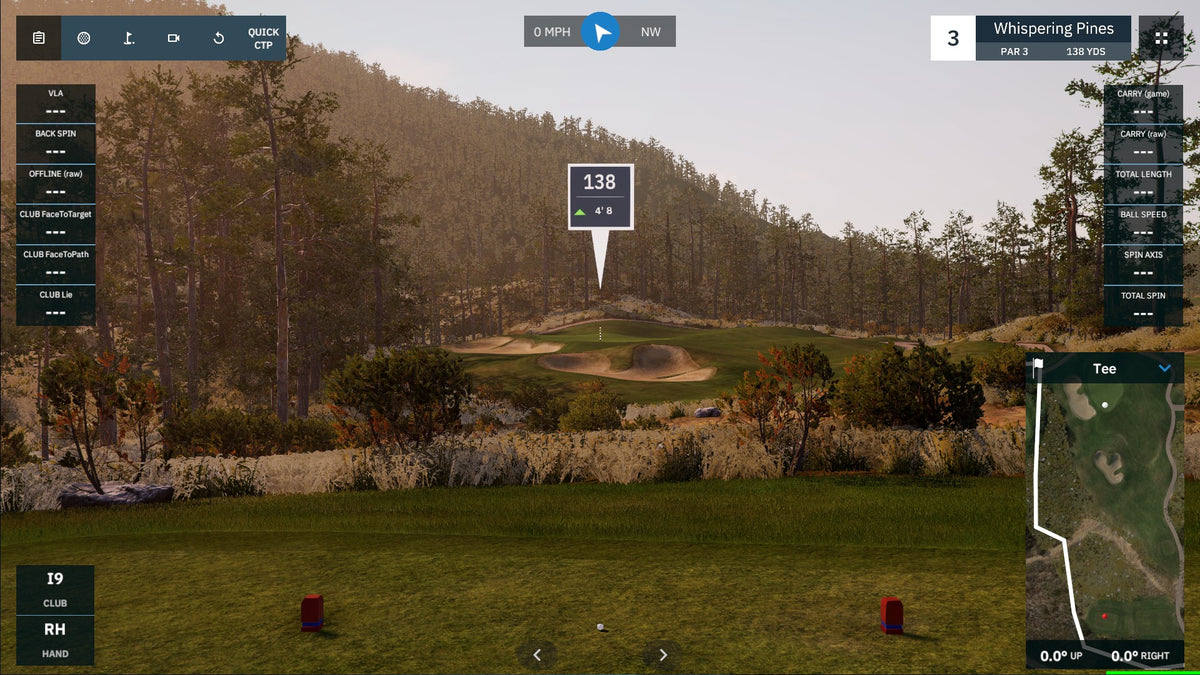
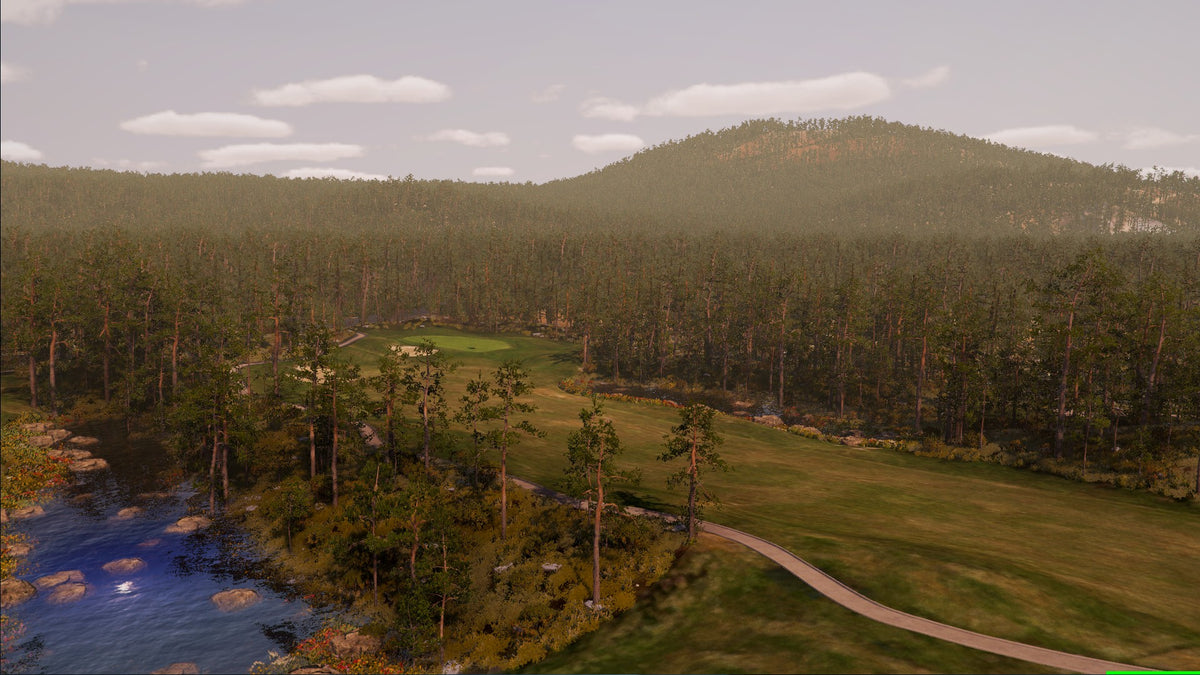
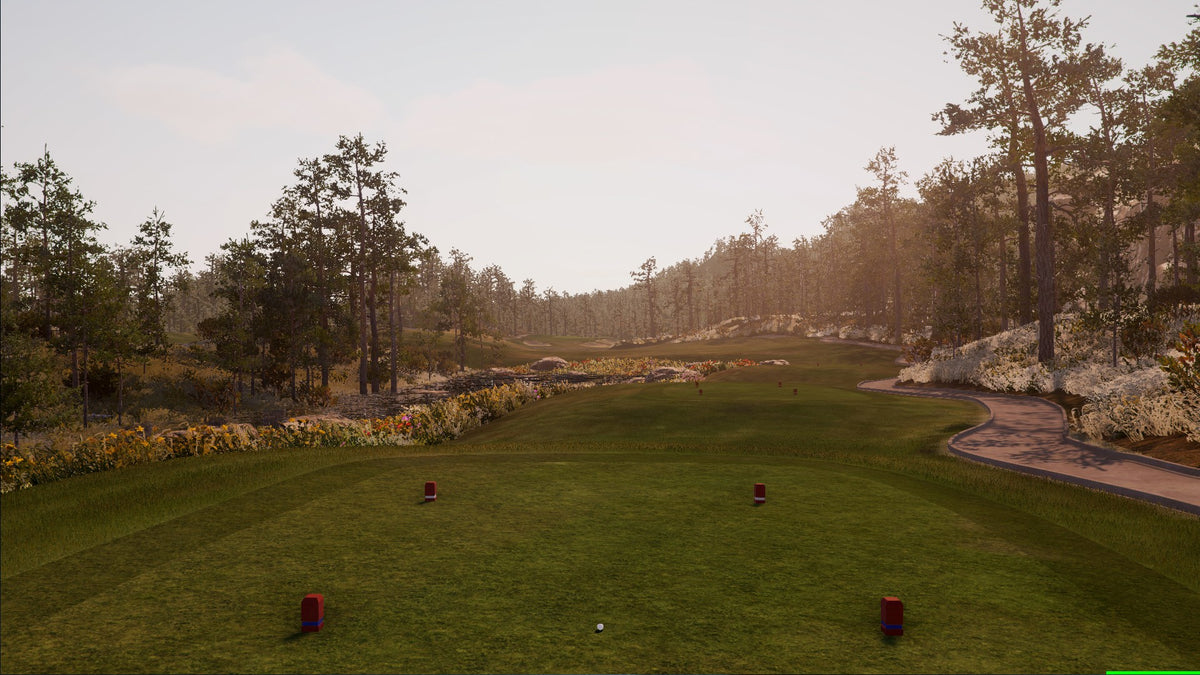
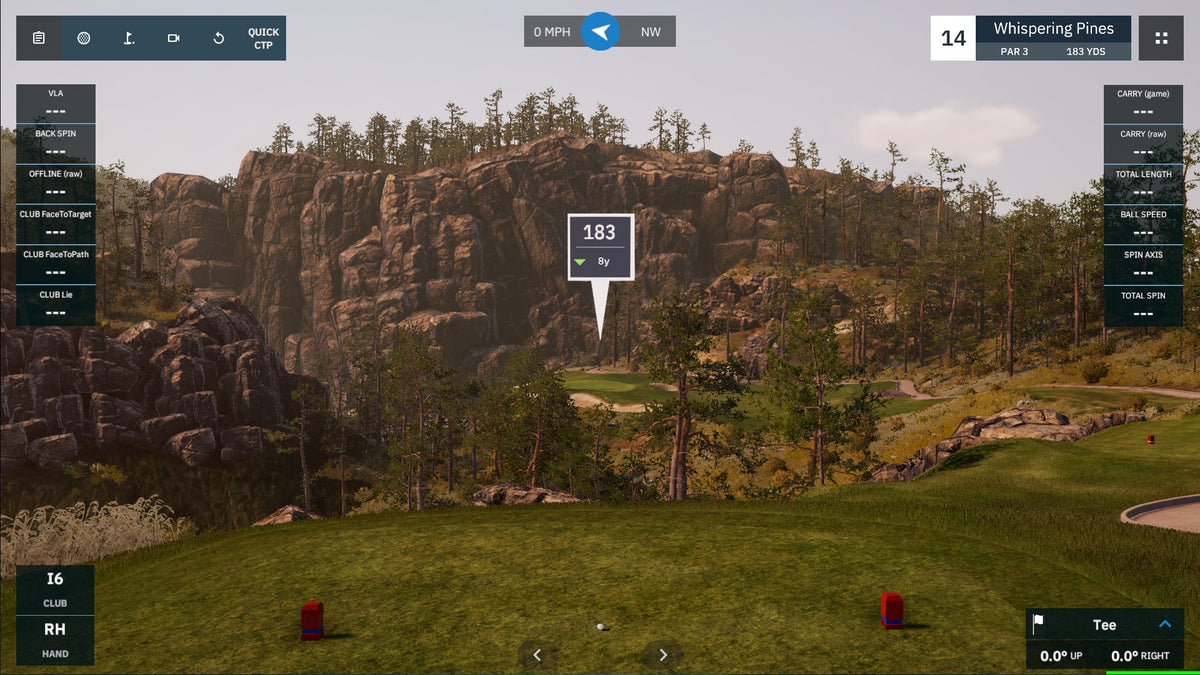
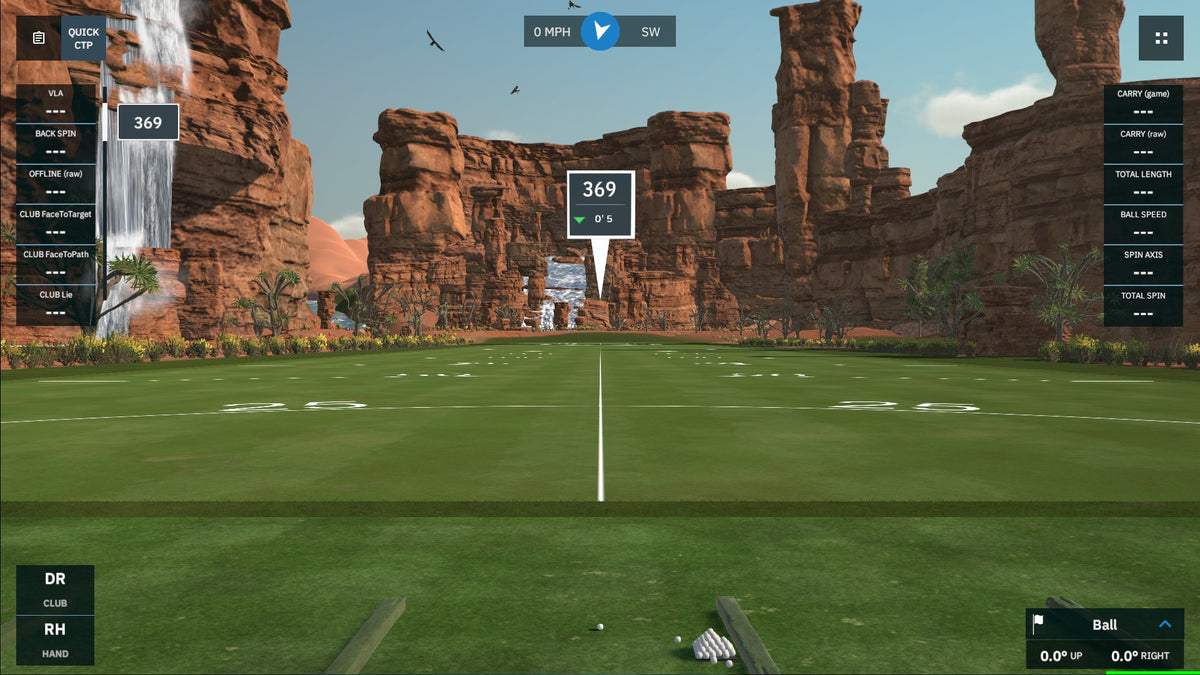
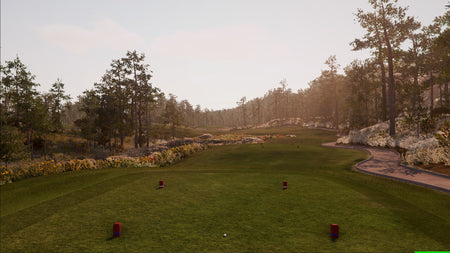
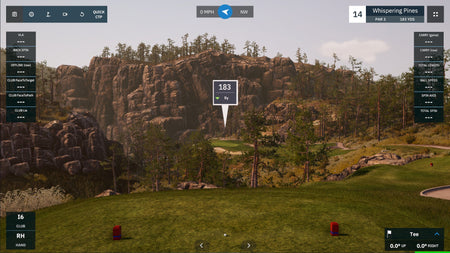
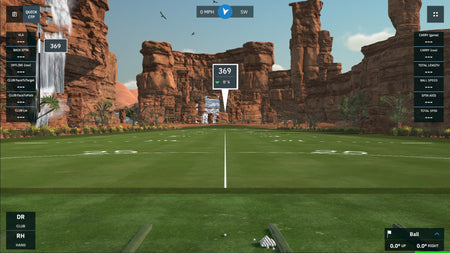
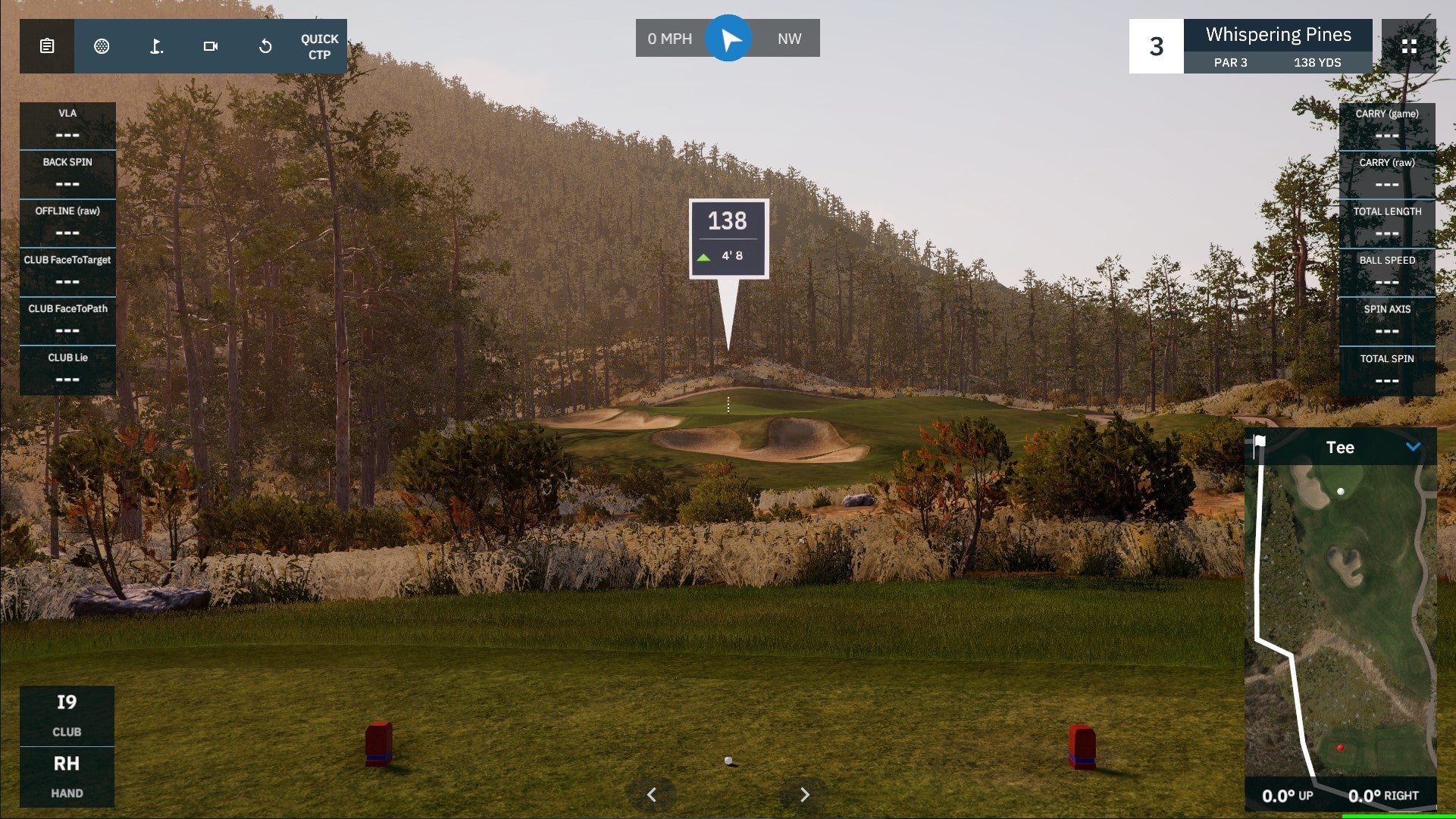
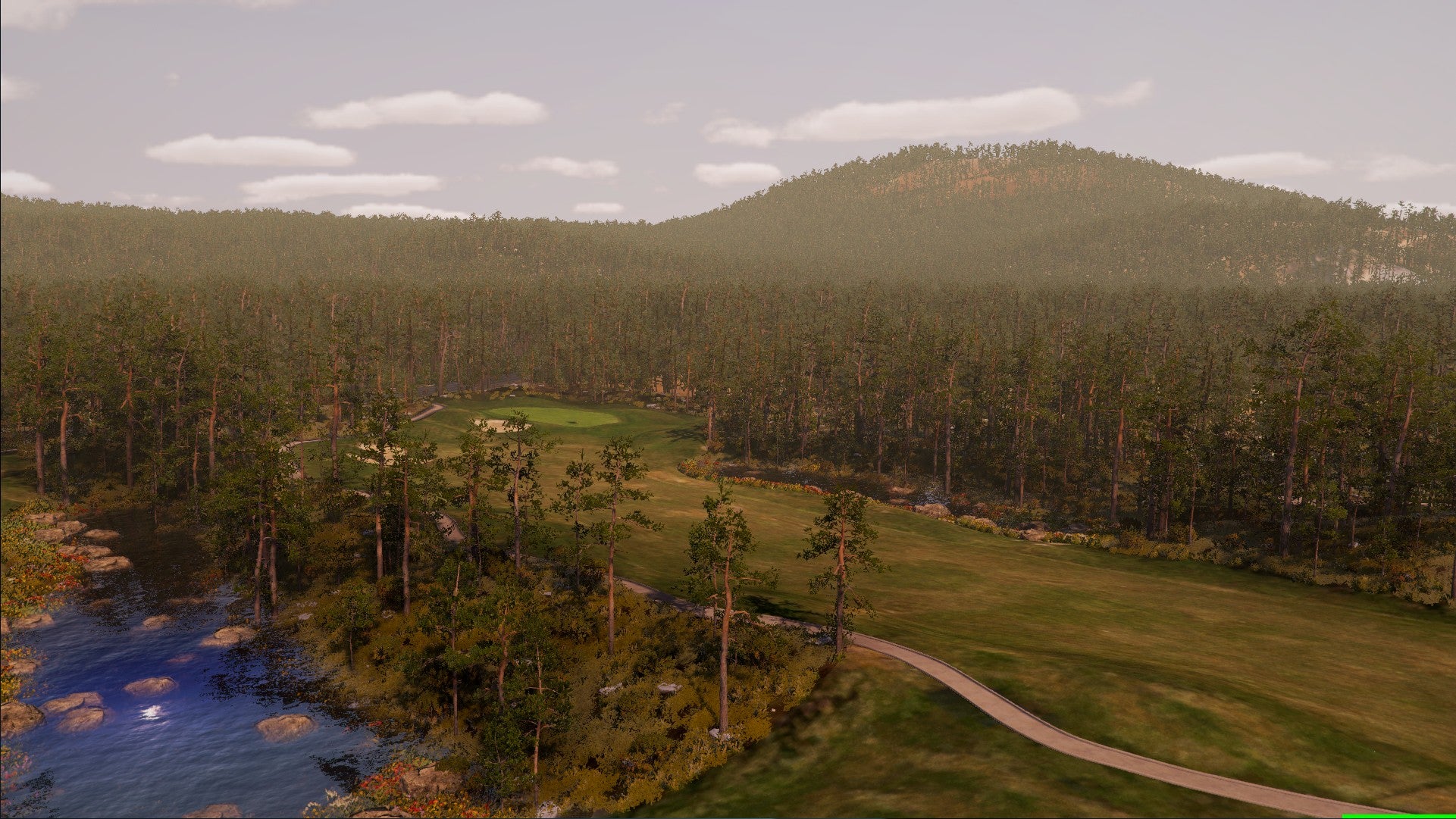
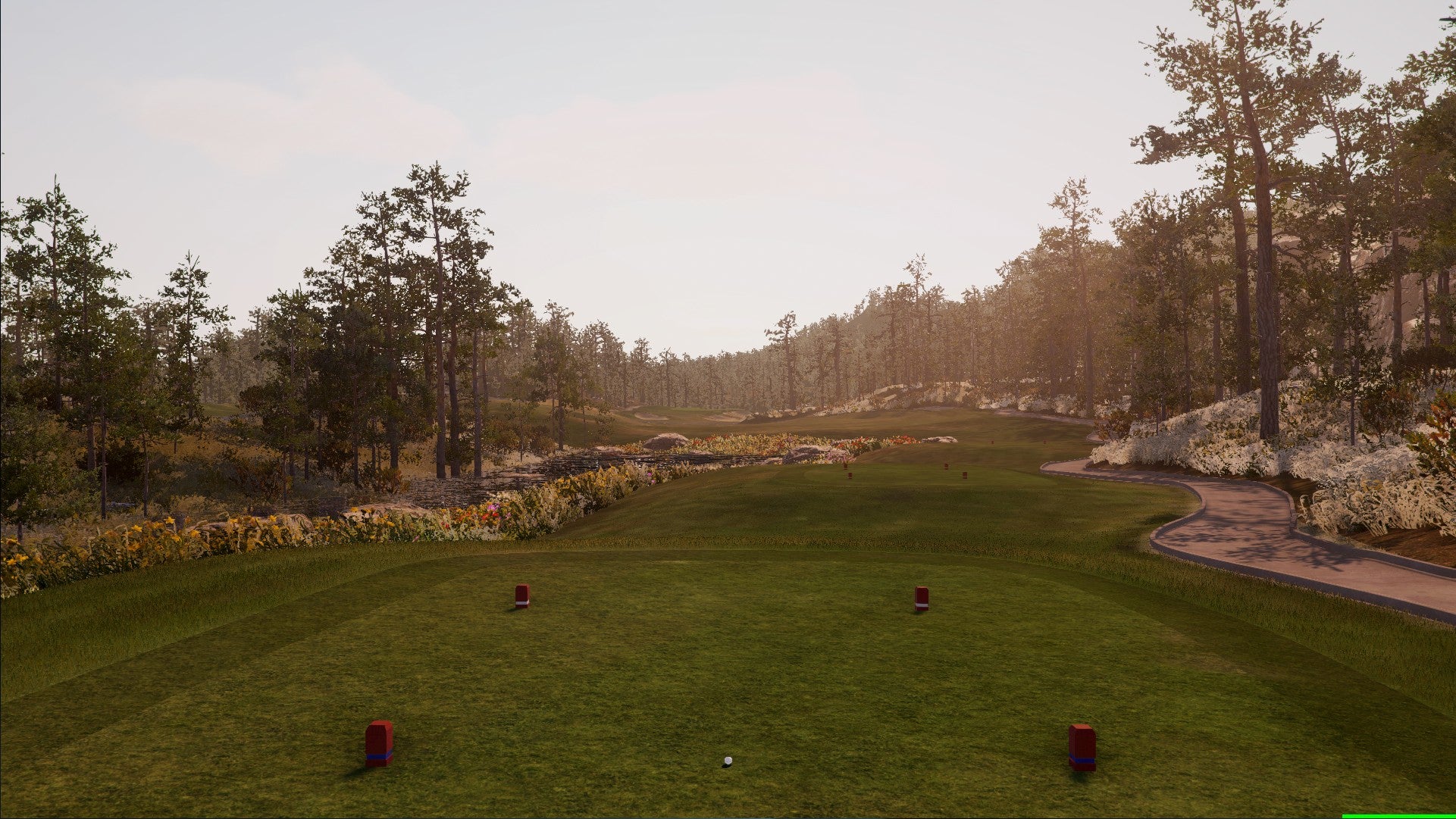
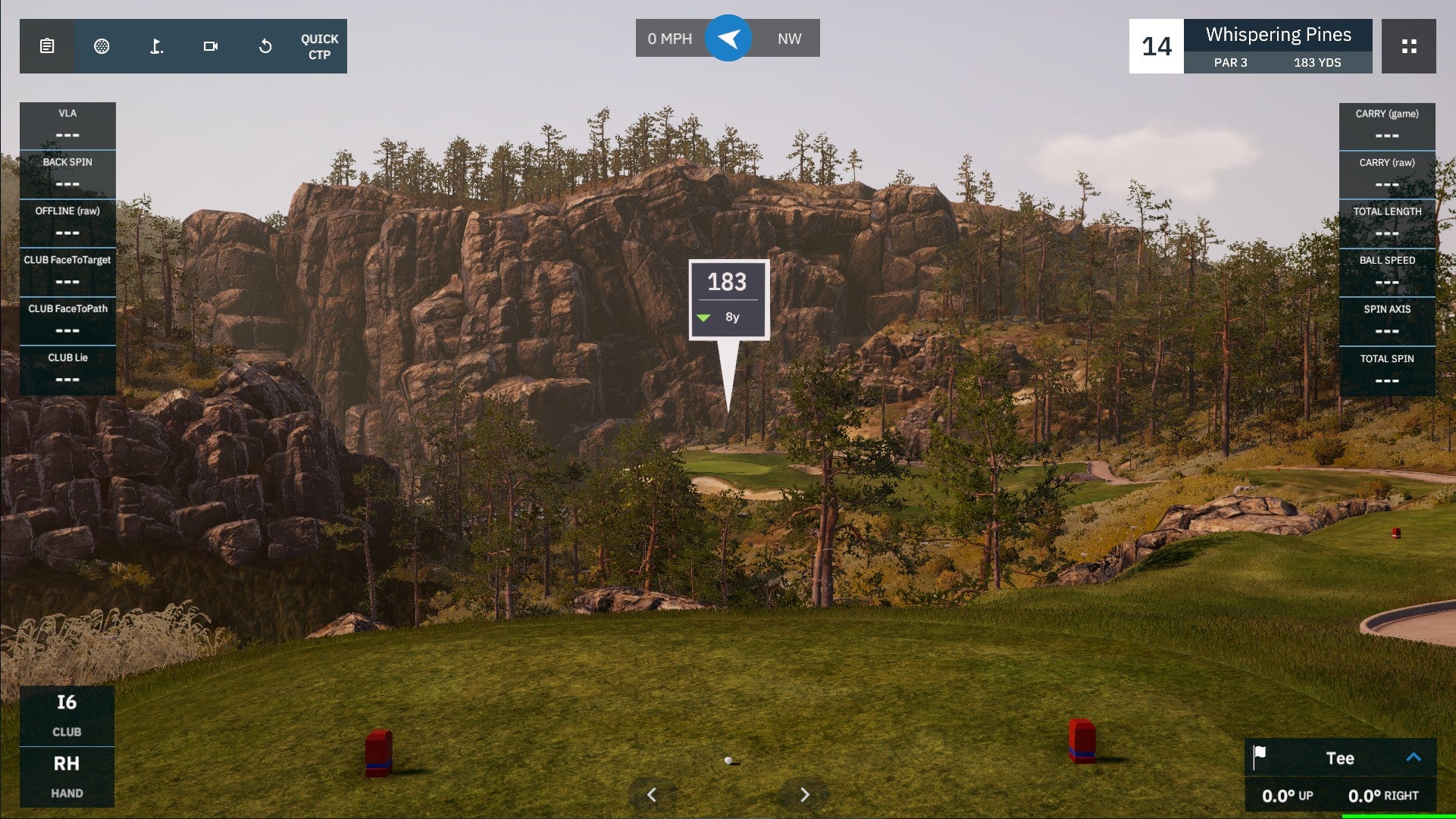
4K Graphics
Stunning, lifelike, in-game graphics built on the Unity gaming engine
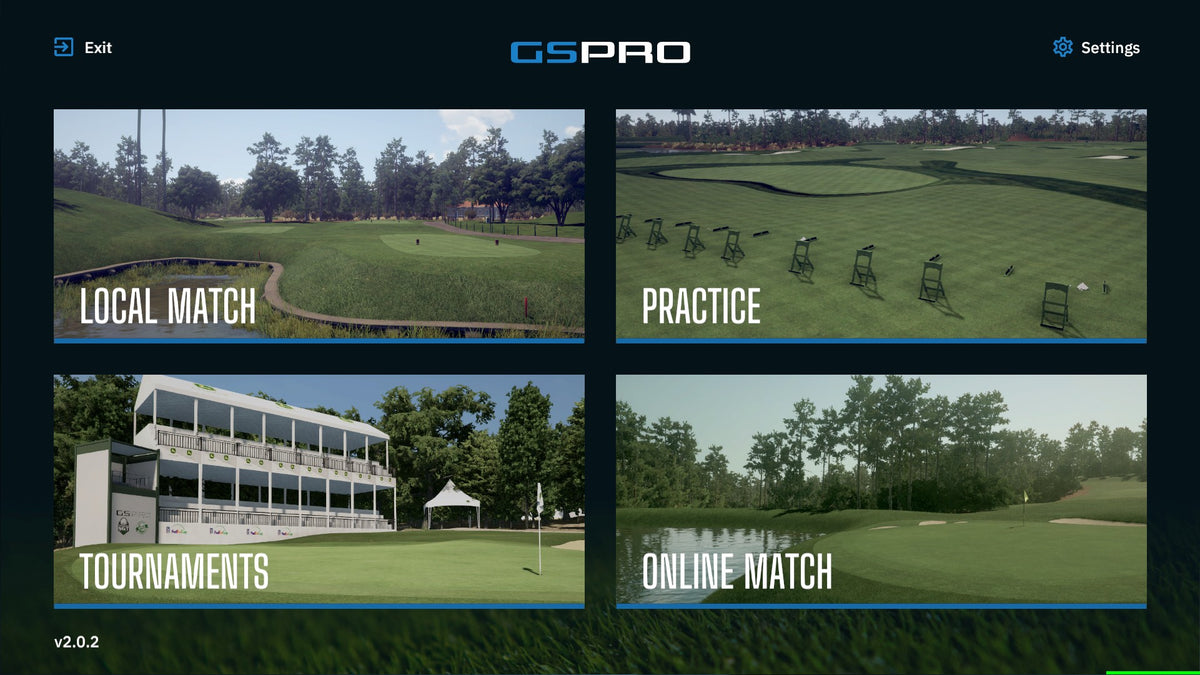
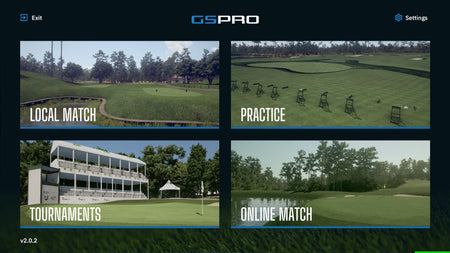
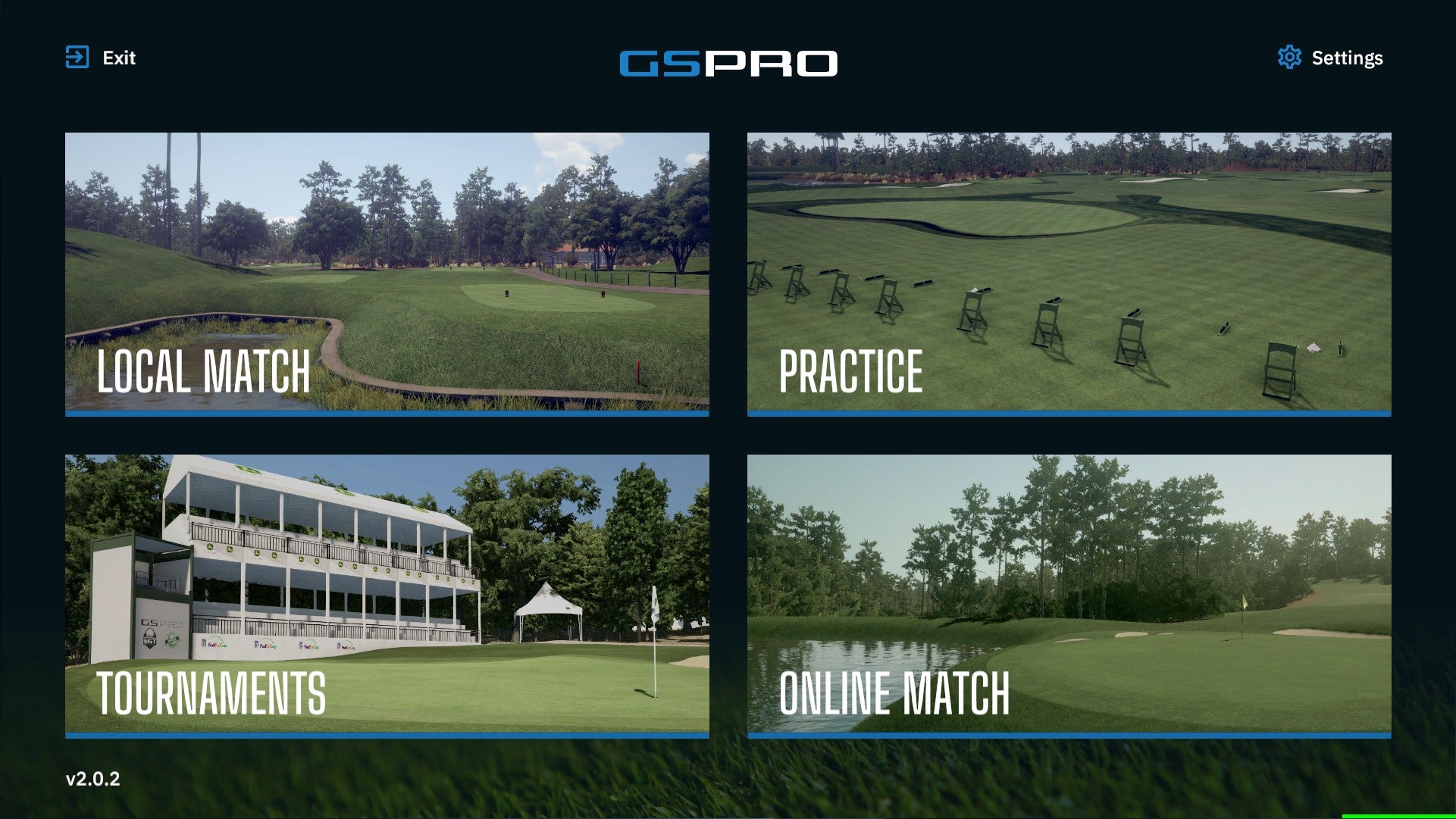
Local and Online Play
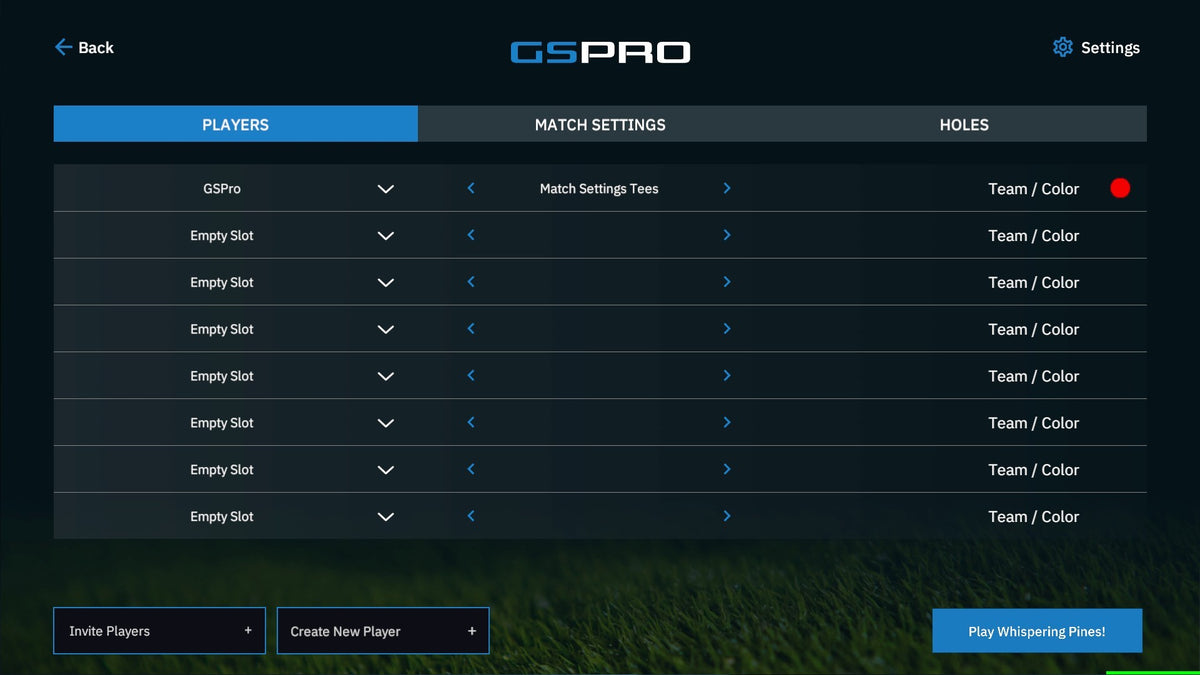
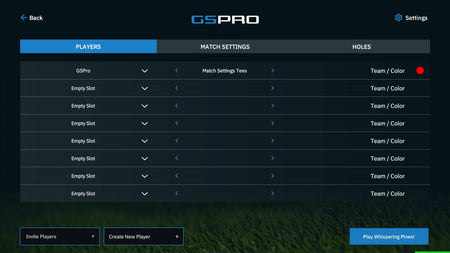
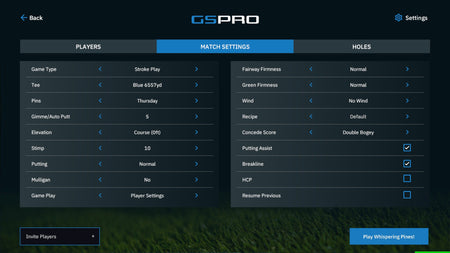
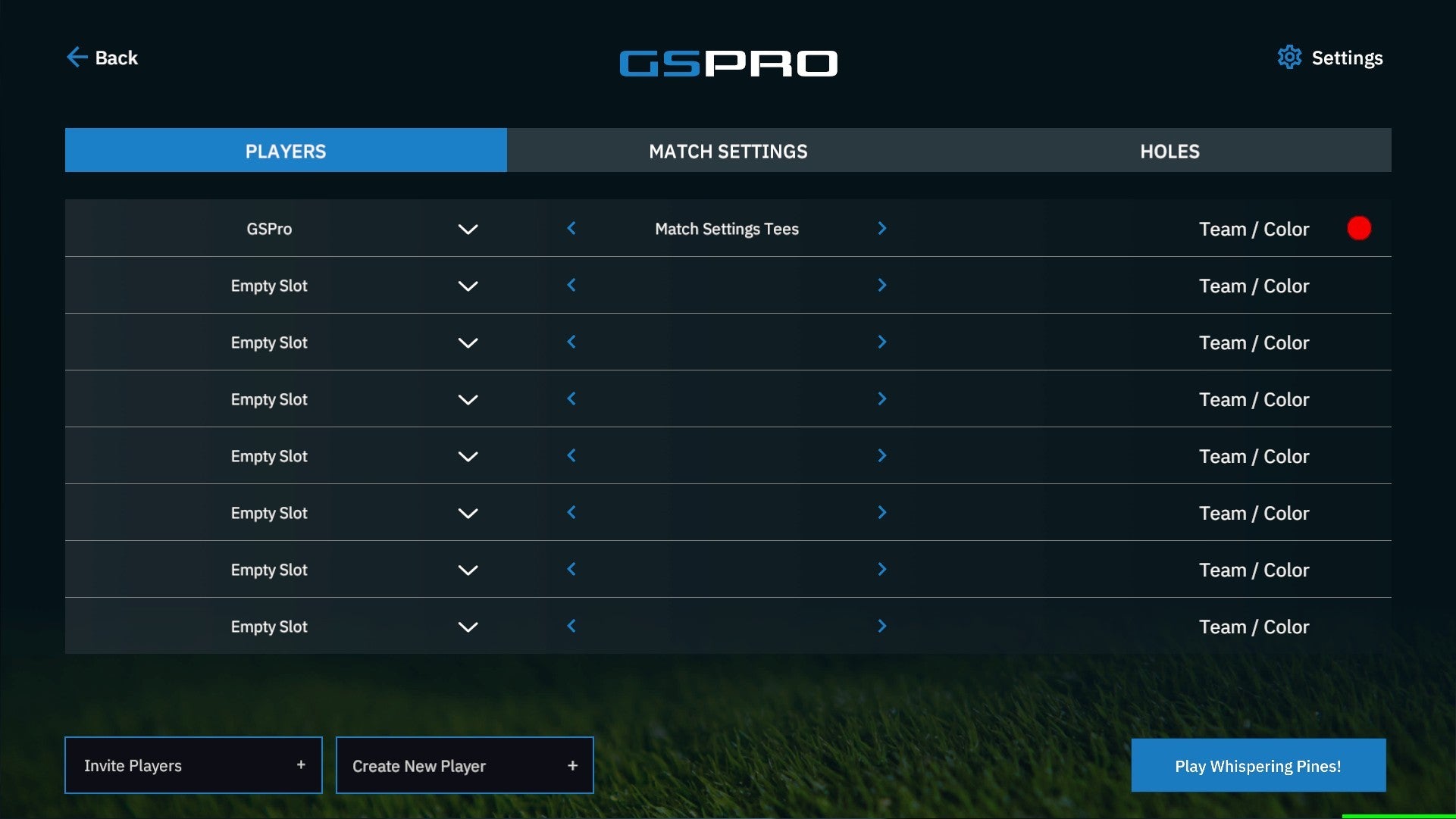
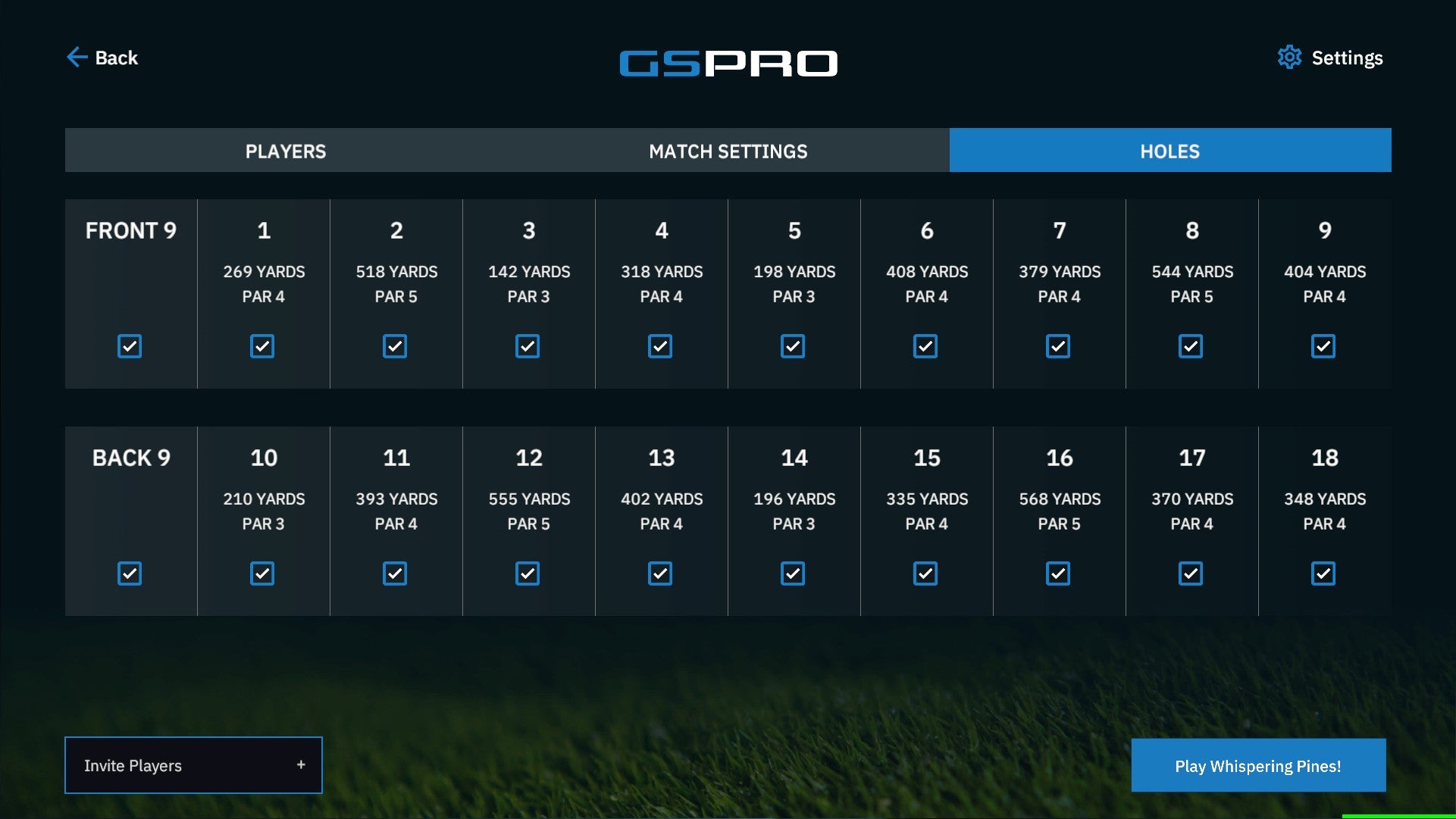
Play with up to 8 players local or online in stroke, scramble, stableford, match play, best ball, alt shot, and more soon!
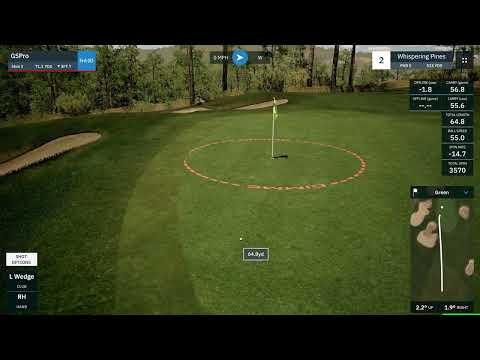
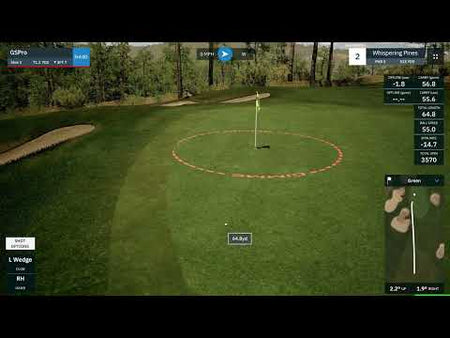
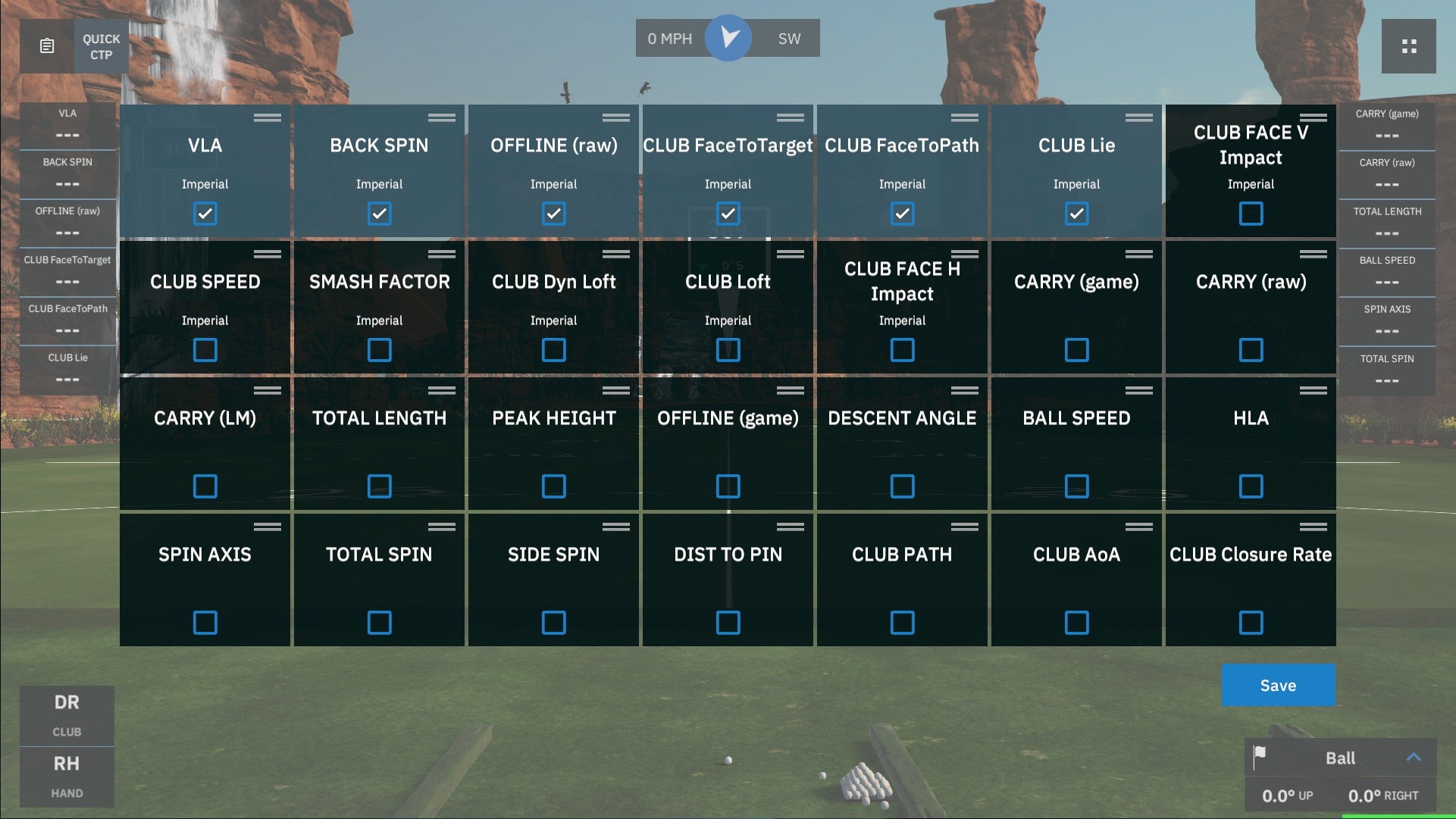
Realistic Ball Physics
Unrivaled game physics set GSPro apart from the competition
Continuous Improvements
We are just getting started. Constant game updates with new features
OpenAPI
We believe software should be flexible. You paid for it, you should be able to use it! OpenAPI documentation
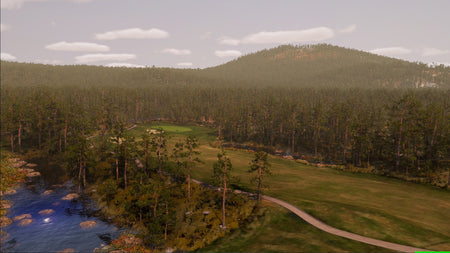
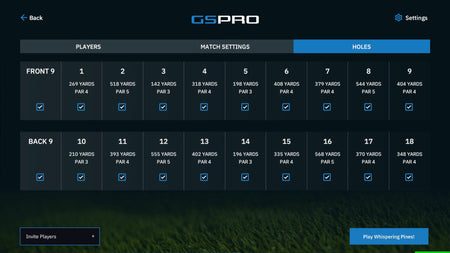
1000+ User Created Courses
The GSPro community created course list grows daily! Over 500 high quality, lidar-based, courses all created with OPCD tools
The golf course simulations playable in GSPro are not endorsed by or affiliated with any real-world golf courses or their respective owners or operators.
What launch monitor devices are supported?
The following Launch Monitors are officially supported. For other launch monitors such as Skytrak, and other launch monitors, please let those companies know you want to play GSPro!
- Uneekor EYE XO2
- Uneekor EYE XO
- Uneekor EYE XR
- Uneekor EYE MINI
- Uneekor EYE MINI LITE
- Flightscope Mevo+
- FlightScope Mevo Gen2
- FlightScope X3C
- Foresight GC3*
- Foresight GC3s*
- Foresight GCQuad*
- Foresight Quad Max*
- Foresight GCHawk*
- Foresight Falcon*
- Bushnell Launch Pro*
- Bushnell LPi
- Full Swing KIT
- Garmin Approach R10
- Garmin Approach R50
- SkyTrak ST MAX
- SkyTrak ST+
- ProTee VX
- Rapsodo MLM2Pro
- Square Golf Home
- Square Golf OMNI
- Blue Tees Rainmaker
*Contact us for details
GSPro also has an open API/interface available for the community to create software for integrating with GSPro.
How do I install, setup, and get help for GSPro?
Downloading and installing GSPro only takes a handful of minutes. Once you purchase GSPro, you will recieve an email with your license key and download instructions. To make things even easier, we have created help videos. If these don't provide the answers you need, email us at support@gsprogolf.com
- GSPro Knowledge Base
- How to add your license key
- How to connect to Uneekor launch monitors
- How to connect to Foresight Sports / Bushnell Golf launch monitors
- How to connect your Flightscope device video walk through
- How to connect your Full Swing KIT
- How to connect your Garmin Approach R10 user guide
- How to connect your Garmin Approach R50 user guide
- Flightscope setup and user guide
- How to connect via Bluetooth COM (GC2)
- How to allow GSPro with virus protection
- How to manage your courses
- Check out the rest of our YouTube channel!
What are the minimum and recommended system requirements?
GSPro requires a Windows PC (Windows 10 or Windows 11)
Recommended minimum hardware for 1080p play:
- 10GB free space
- GTX 3060
- 16GB memory
- Stable internet Connection
- Ethernet port and/or BT depending on Launch Monitor
Recommended hardware for a great 1080p experience:
- 20GB free space
- RTX 3070/3060ti GPU
- 16GB memory
Recommended hardware for a great 4k experience:
- 20GB free space
- RTX 3080 (or better) GPU
- 32GB memory
*Software purchases are non-refundable